Lightbox PRO

Lightbox PRO

Controls

Lightbox PRO

Controls

/

Framer

Enhance the Framer’s native Lightbox

Select your image and enable Framer’s native Lightbox in the Effects panel.

1

Drag LightboxPro Controls anywhere on the page (it’s invisible and doesn’t affect layout)

Drag LightboxPro Controls anywhere on the page (it’s invisible and doesn’t affect layout)

2

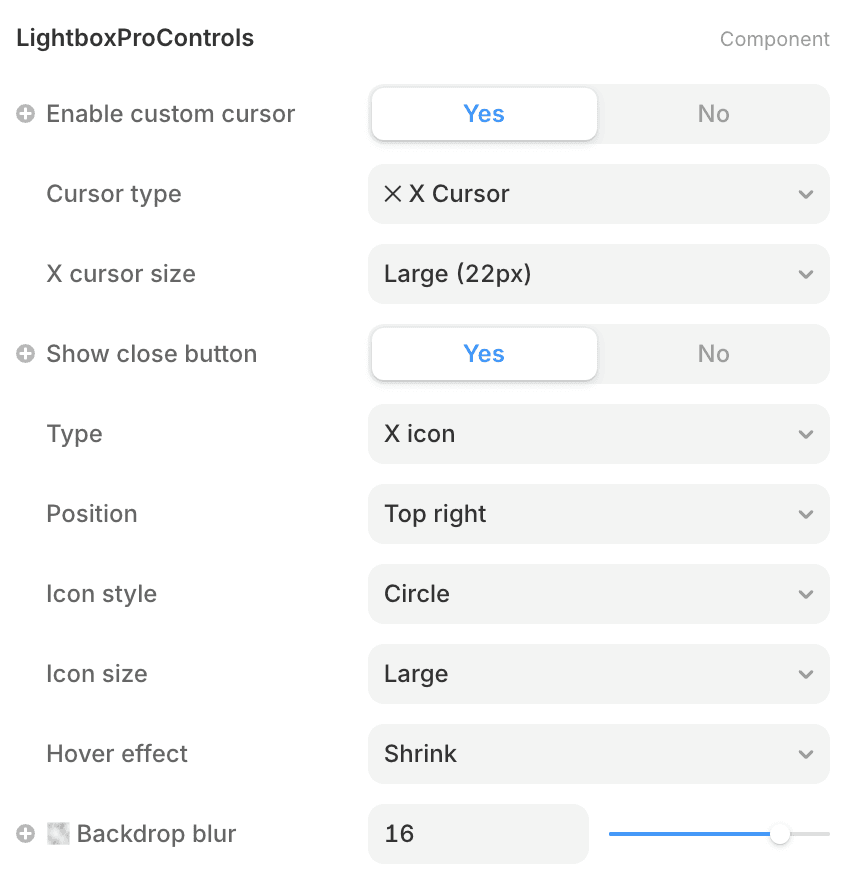
Use the component properties to customise cursor, backdrop blur, and close button.

Use the component properties to customise cursor, backdrop blur, and close button.

See it in action:

custom X cursor

backdrop blur

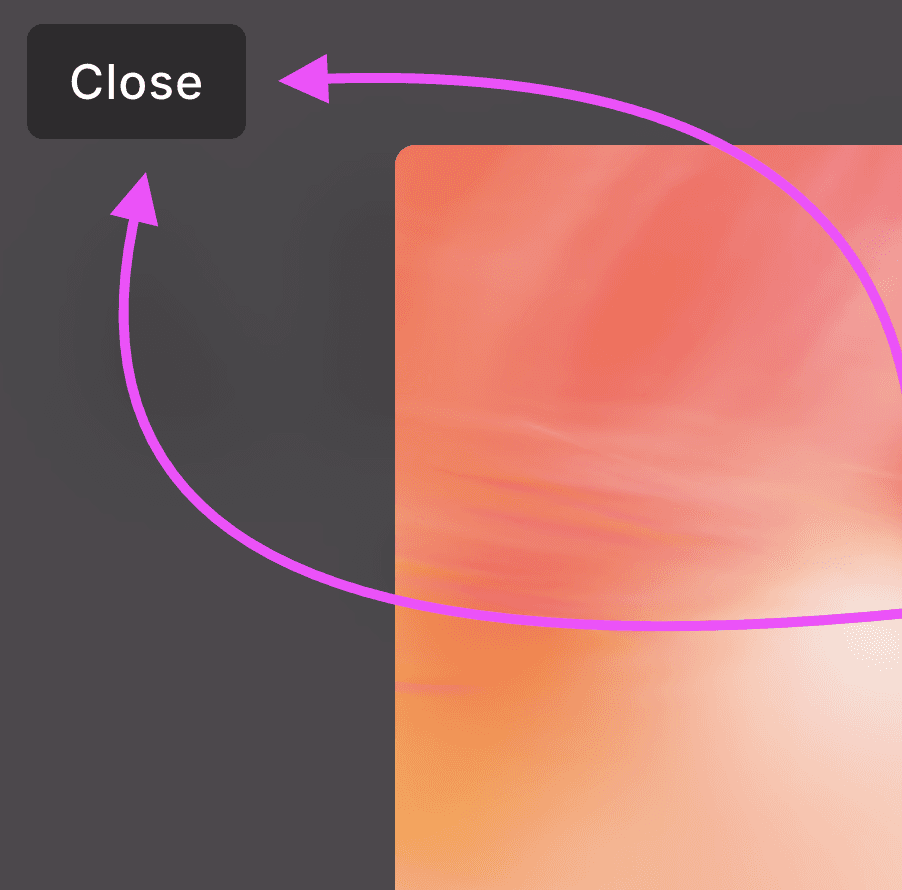
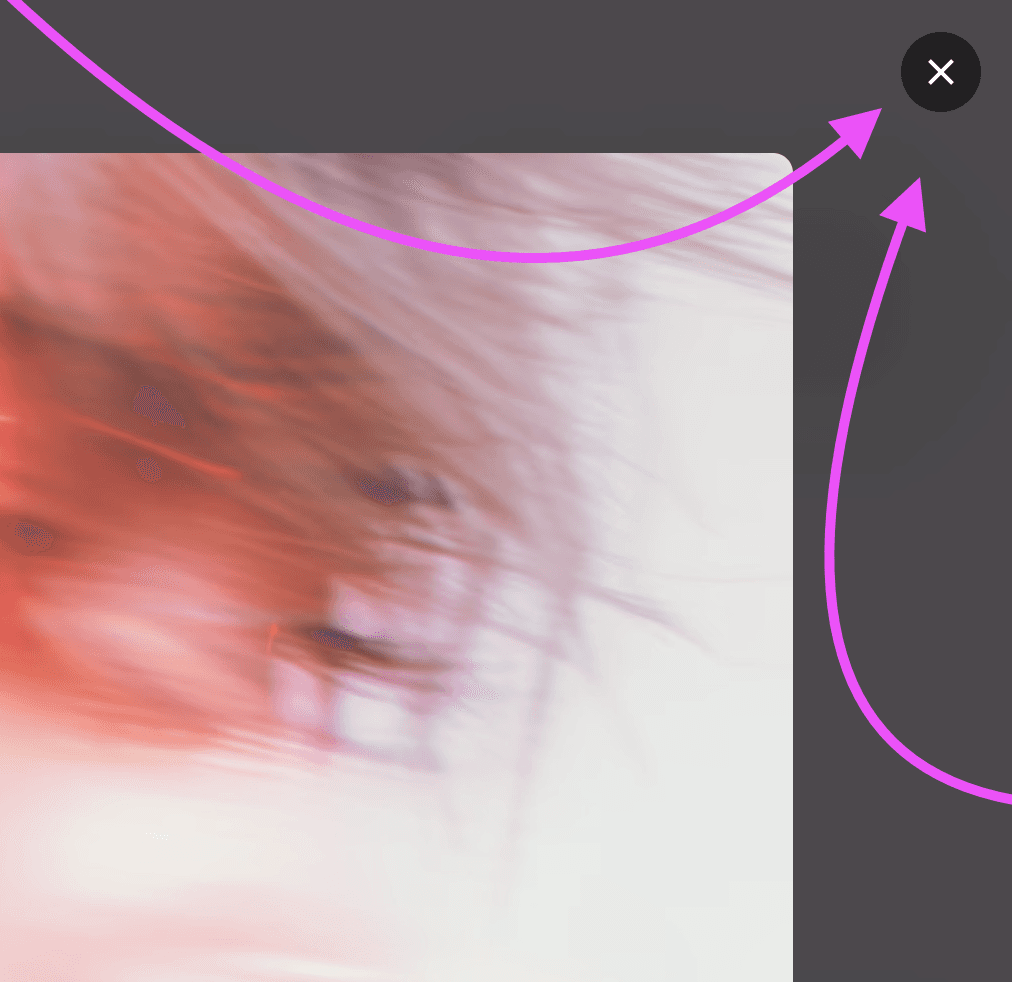
customizable close button

LightboxPROControls adds icon or text controls with full styling options to Framer's Native Lightbox.
You must enable Framer’s Lightbox on your image first.

LightboxPROControls adds icon or text controls with full styling options to Framer's Native Lightbox.
You must enable Framer’s Lightbox on your image first.

LightboxPROControls adds icon or text controls with full styling options to Framer's Native Lightbox.
You must enable Framer’s Lightbox on your image first.

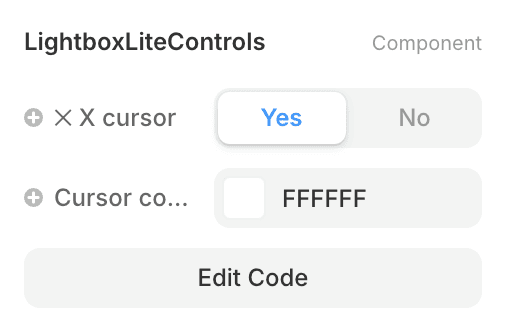
Want something simpler?

Check out Lightbox Lite - a free version with just the X cursor.
Create a free website with Framer, the website builder loved by startups, designers and agencies.